If your business is still relying on an ad hoc mix of “the person who’s good with computers,” a part time contractor, and the occasional emergency call out, you’ve probably already wondered whether managed IT services would be a better fit. Here’s a straightforward look at what managed IT actually means, and how to tell whether your business is ready to make the switch.
What “Managed IT Services” Actually Covers
At its core, managed IT means handing the day to day running, monitoring, and support of your technology to a dedicated provider, rather than dealing with problems as they crop up. A good managed service typically includes:
- Proactive monitoring that catches issues before they cause downtime
- A responsive helpdesk for your team, with on site support when it’s genuinely needed
- Patch management and security updates handled in the background
- Backup and disaster recovery, tested rather than just assumed to work
- Strategic IT planning that ties your technology to your actual business goals, not just keeping the lights on
The difference between this and traditional “break fix” support is proactivity. Instead of waiting for something to fail and then fixing it, a managed provider is actively working to stop it failing in the first place.

The Real Cost of Not Having It
Businesses without managed support often underestimate how much reactive IT actually costs them. It’s rarely visible as a single line item, it shows up as lost productivity when systems are slow or down, as staff frustration when the same issues keep recurring, and as the much larger bill that arrives after a security incident that better monitoring would have caught early. Downtime is expensive even when nothing dramatic happens, it’s death by a thousand small interruptions.
Signs You’re Ready for Managed IT
You’re probably a good fit for managed IT services if any of the following sound familiar:
- Your current IT support only shows up once something’s already broken
- You’ve had a security scare, or you’re increasingly worried about the risk
- Your team is growing and IT needs are outpacing whatever informal setup you started with
- You need to demonstrate proper IT governance for a client, contract, or certification like Cyber Essentials
- You’d simply rather focus your own time on running the business, not troubleshooting technology
What to Look for in a Provider
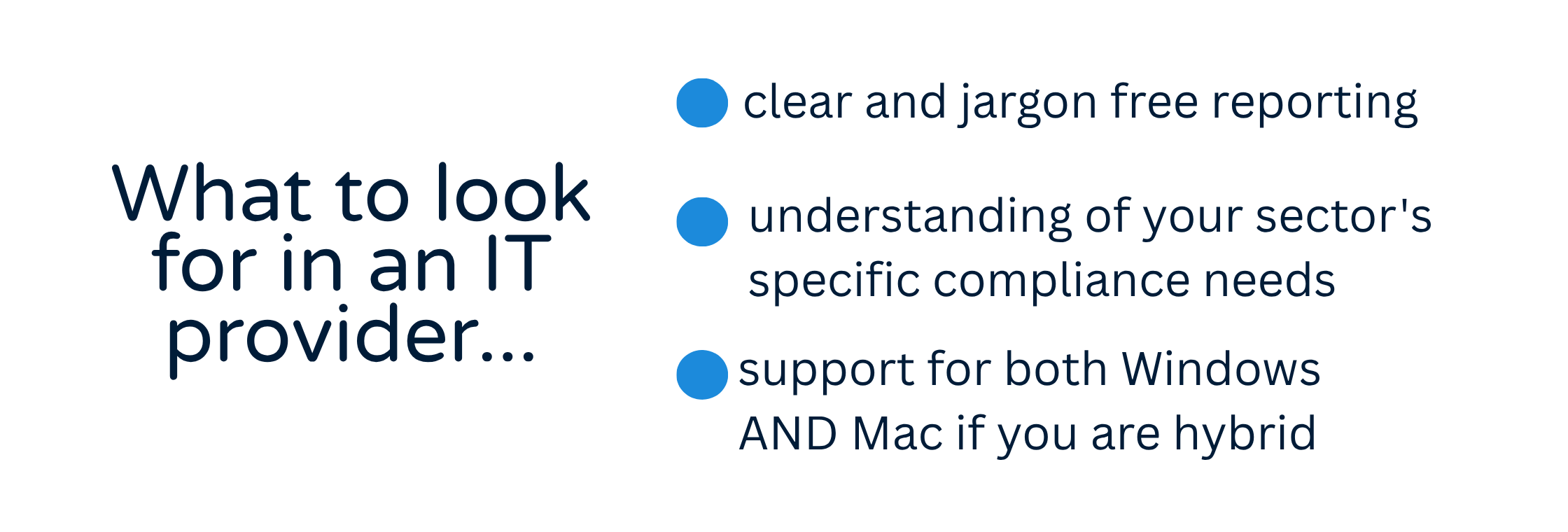
Not all managed IT providers are equal, and price alone is a poor way to compare them. Look for genuinely proactive monitoring rather than a rebadged helpdesk, clear and jargon free reporting, a provider who understands your sector’s specific compliance needs, and, if your team uses a mix of Windows and Mac devices, a provider who can genuinely support both rather than treating Mac users as an afterthought.
Find Out What It Would Look Like for You
Disking IT has provided managed IT support to Hampshire and Surrey SMEs for 37 years, combining proactive management with hands on repair capability and genuine Mac expertise most providers simply don’t offer. Get in touch for a free consultation, or explore our full Managed IT Services offering.

Frequently Asked Questions
🔵 How is managed IT different from just calling someone when something breaks? Managed IT is proactive rather than reactive. Instead of waiting for a failure, your provider monitors systems continuously, applies patches and updates in the background, and aims to catch problems before they cause disruption.
🔵 Is managed IT support only for larger businesses? No, it’s often most valuable for SMEs, where a single IT failure or security incident can have a proportionally bigger impact on the business than it would for a large enterprise with more redundancy built in.
🔵 What’s typically included in a managed IT contract? Most agreements cover helpdesk support, proactive monitoring, patch and update management, backup and disaster recovery, and a level of strategic planning, though the exact scope varies by provider and by what your business needs.
🔵 Can a managed IT provider support both Windows PCs and Macs? It depends on the provider. Many MSPs focus almost entirely on Windows environments, which can leave Mac users underserved. Disking IT is one of the few providers in the region with genuine Mac hardware and software expertise alongside standard Windows support.
🔵 How do I know if switching providers will be disruptive? A properly run transition shouldn’t disrupt your team. A good provider will manage onboarding carefully, migrating documentation, access, and monitoring in a planned sequence rather than all at once.
Ready to Stop Firefighting Your IT?
If any of this sounds familiar, book a free consultation with Disking IT and we’ll walk you through what proactive, fully managed support would look like for your business.